Individual Use
Import a single script and adjust notification timing in your calendar settings.
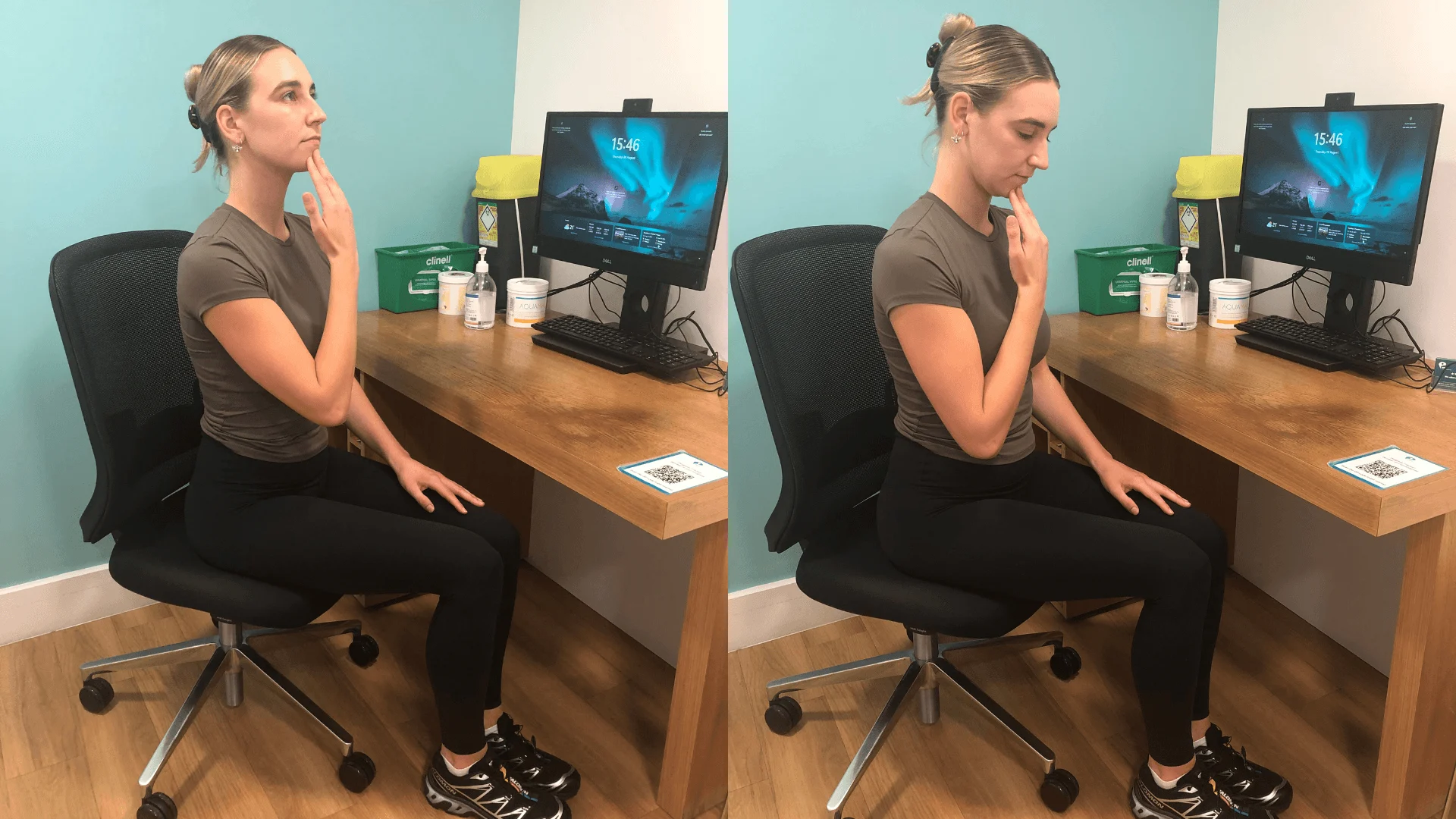
Each entry generates a downloadable .ics file compatible with major calendar platforms. Import once and receive recurring reminders aligned to your work rhythm.
After downloading, open the .ics file with your preferred calendar application. The recurring event will appear in your daily schedule with a descriptive reminder.
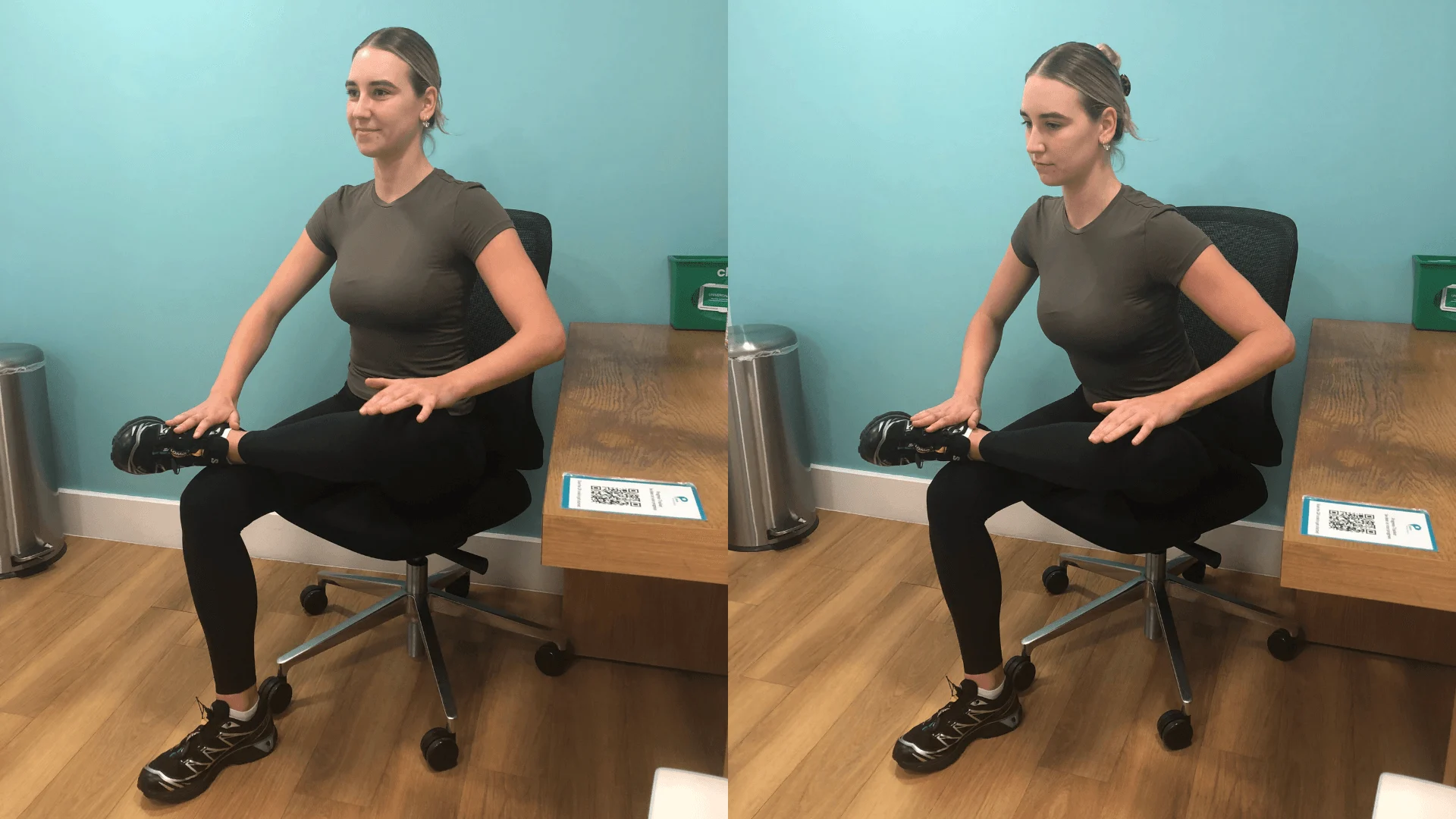
Team leads can distribute the same .ics scripts across a department to establish consistent movement intervals during shared work hours.
Import a single script and adjust notification timing in your calendar settings.
Share .ics files via internal channels for synchronized break windows across groups.
Contact us to discuss tailored scheduling scripts for your organization workflow.

When a calendar reminder appears, open the Desk Deck to select a routine matched to your current furniture profile and available time window.
Open Desk Deck Request Custom Scripts